How to play Gothic 1 Remake with mods, from anywhere
Want to mod Gothic 1 Remake without a new PC? Shadow gives you a real Windows PC in the cloud, with full admin rights, on any device you already own.
So, what is the best PC to play
Gothic 1 Remake with mods?
Honestly, the one that actually lets you install them. Gothic 1 Remake brings the Valley of the Mines back on Unreal Engine 5, and the modding scene is already busy: ReShade presets, Nexus mods, a community modloader. Most cloud services hand you a locked catalog with no file access. Shadow PC hands you a real Windows 11 machine instead, with your own Steam or GOG copy, full admin rights, and the freedom to mod it your way. The full PC release, on the screen you already own.
Why Shadow PC is the best PC to play Gothic 1 Remake
1. A real PC means real mod freedom
Shadow PC is a full Windows 11 machine with admin rights, so you install Gothic 1 Remake from Steam or GOG, then add whatever you want on top. Drop in ReShade, run a mod manager like Vortex, and install community mods and the modloader straight from Nexus. Most cloud services give you a fixed catalog and no file access, so none of that is possible. Here, your PC is yours to tweak.
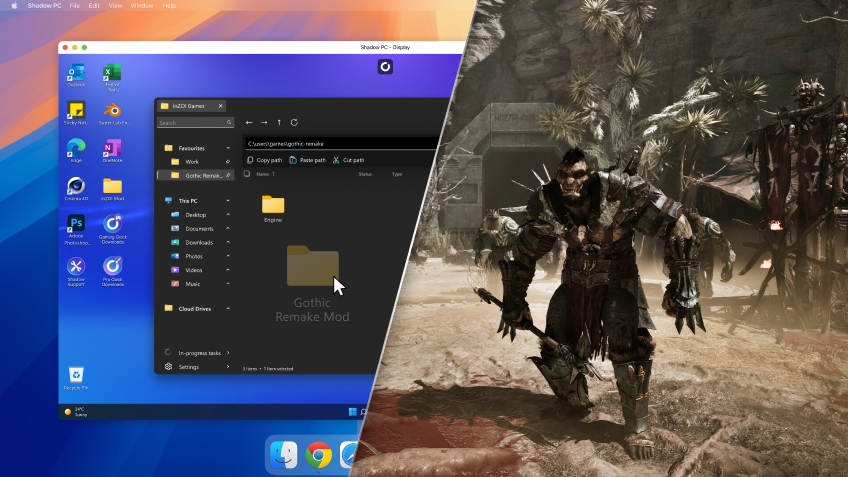
2. The Valley of the Mines, maxed out in 4K
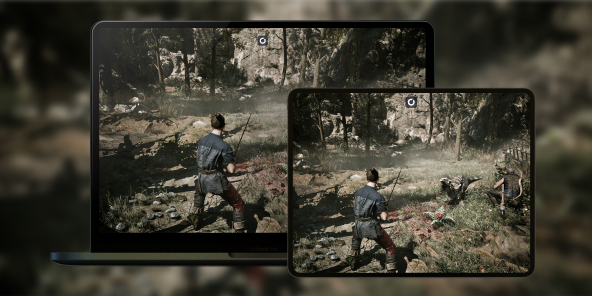
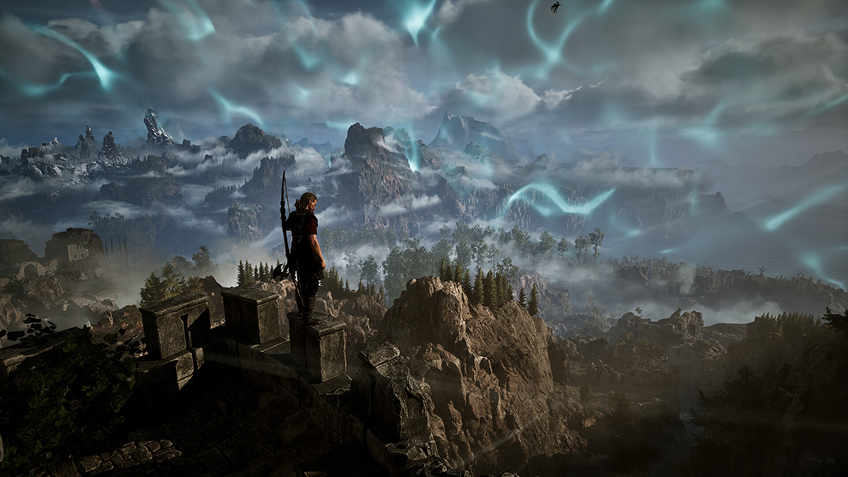
Stream from a real RTX-powered Windows PC, straight to your screen. 4K, hardware ray tracing on, with DLSS 4.5 and Frame Generation keeping it smooth. Unreal Engine 5 lights the fog, the torchlit Old Camp and the dripping mine shafts with full Lumen global illumination, and your ReShade preset sits on top. Every shadow in the colony, crisp on the display you already own.
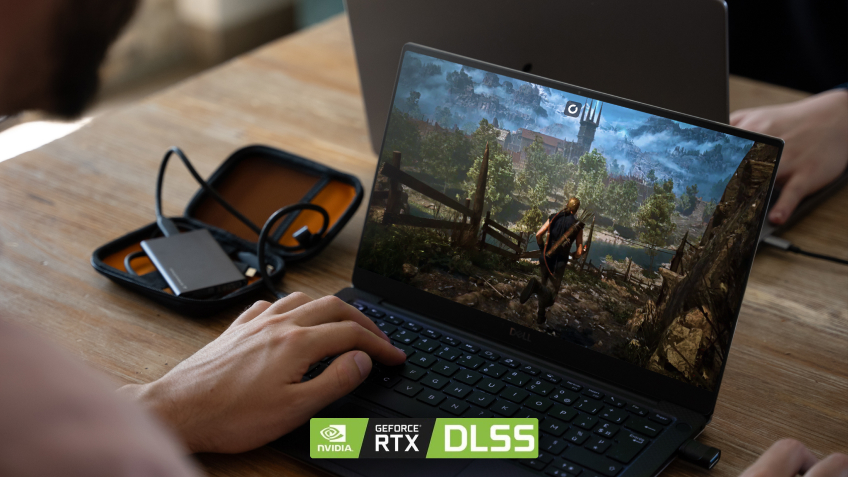
3. Built for any device you already own
No assembly. No Windows install. No driver updates. Shadow PC ships ready and stays current: GPU drivers, Windows patches and launchers, all kept fresh on our side. Stream it to a 5-year-old laptop, a Mac, a tablet or a TV, and play with mouse, keyboard or controller. The download to your cloud PC runs at up to 1 Gb/s, so a 60 GB game and its mods land fast. Gothic 1 Remake, modded your way, on what you already own.
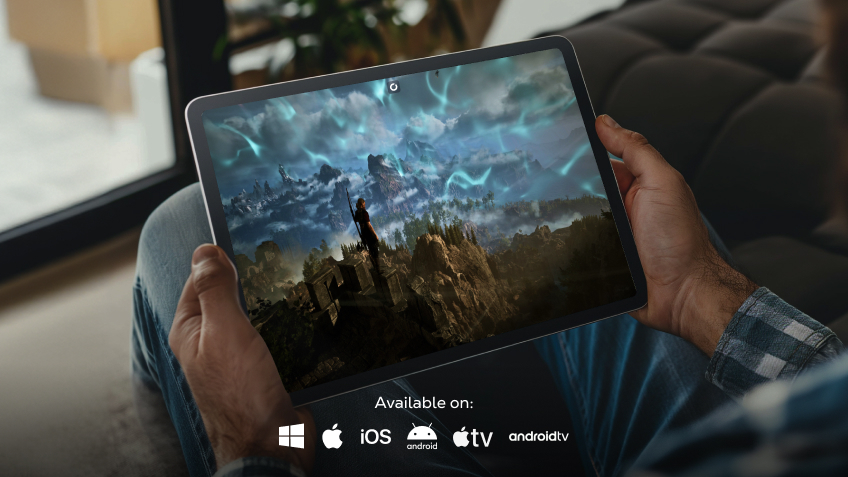
Shadow PC versus other ways to play Gothic 1 Remake with mods
| Shadow PC | Other cloud gaming | A new gaming PC | |
|---|---|---|---|
| Install ReShade and Nexus mods |
Shadow PC
|
Other cloud gaming
No file access
|
A new gaming PC
|
| Run a mod manager like Vortex |
Shadow PC
|
Other cloud gaming
Not possible
|
A new gaming PC
|
| Day-one June 5 access |
Shadow PC
|
Other cloud gaming
Catalog dependent
|
A new gaming PC
If specs are met
|
| Zero upfront hardware cost |
Shadow PC
|
Other cloud gaming
|
A new gaming PC
Over 1,000 euros
|
| Play from any device you already own |
Shadow PC
|
Other cloud gaming
|
A new gaming PC
One machine only
|
| 4K with ray tracing and DLSS 4.5 |
Shadow PC
|
Other cloud gaming
Depends on plan
|
A new gaming PC
Depends on GPU
|

Power is the Shadow PC built for Gothic 1 Remake
To run Gothic 1 Remake on Unreal Engine 5 with ray tracing on, in 4K, and still have room for ReShade and your mod stack, we recommend Power. It gives you a dedicated RTX-class GPU, 20 GB of VRAM and 28 GB of RAM, already set up, streaming to any laptop, desktop, tablet or TV you already own. No engagement, cancel anytime.

Neo Lite
per month

 Perfect for occasional gaming in 1440p with RTX
 Up to 120 hours of play per month, sessions up to 4hStream to any device in 1440pInstall your games & mods from Steam, Epic, Battle.net...*Upgrade to Shadow PC anytime as you play more
Power Lite
per month
Up to 50% more GPU power than Neo28GB RAM / 20GB VRAM for better in-game performanceUp to 120 hours of play per month, sessions up to 4hStream to any device in 1440pInstall your games & mods from Steam, Epic, Battle.net...*Upgrade to Shadow PC anytime as you play more
Neo
Perfect for 1080/1440p gaming with RTXStream to any device up to 1440p+Install your games & mods from Steam, Epic, Battle.net...*Multi screen and ultrawide supportNVIDIA RTX and DLSS compatibility
Power
Up to 50% more GPU power
 28GB RAM / 20GB VRAM for better gaming performanceStream to any device up to 5K+Install your games & mods from Steam, Epic, Battle.net...*Multi screen and ultrawide supportNVIDIA RTX and DLSS compatibility
Getting started in 3 easy steps
Whether you're on a 5-year-old laptop, a Mac, a work desktop, a tablet, or any TV with a streaming stick, Shadow gives you the best PC to play Gothic 1 Remake with mods in three clicks. No hardware to buy, no system to build.

Go to shadow.tech and select the PC configuration that matches your performance needs.

Install the Shadow client on the Mac or PC you already have, or open pc.shadow.tech in your browser.

Start your Shadow PC, install Steam or GOG, get Gothic 1 Remake, then add ReShade, Vortex and your favourite mods.
Gothic 1 Remake in short
Gothic 1 Remake is Alkimia Interactive and THQ Nordic's ground-up rebuild of Piranha Bytes' 2001 RPG, out June 5, 2026 on PC, PS5 and Xbox Series X/S. You land in the prison colony of the Valley of the Mines, pick one of three camps, and grow from nobody to a real force inside the barrier. Single-player, open world, on Unreal Engine 5, with a new combat system and Kai Rosenkranz back on the soundtrack.

FAQ
Shadow is a complete Windows gaming PC fully hosted in the cloud. It’s the only virtual machine whose performance rivals that of a local PC. And unlike cloud-gaming services, you can install and run any game, app, or software: there’s no restricted catalog.
Your Shadow is a true professional Windows workstation. Install everything you need*: Adobe Suite, CAD tools, development IDEs, etc.
Yes, both the Shadow app and the browser version work on most recent versions of macOS and computers.
For each device of your choosing, you can download the Shadow PC software client for free; in particular, this will allow you to test the browsing quality and adjust your video quality settings to the highest resolution, such as 4k. When you need to quickly access your environment and files via a new device or a workstation that's limited in terms of software installation, you can now directly access your Shadow PC via a browser. No installation required, it's quick and easy: Just head to the pc.shadow.tech web page! This access mode comes particularly in handy when you're giving a client a demo or delivering training via a demanding software directly on your clients or prospects' device: No need to lug around your own hardware, with your software and data, as Shadow PC gives you easy and instant access to it, at any tie and anywhere.
Yes, with Shadow you get 1 Gb/s download speeds to your Shadow PC, even if your local internet connection is slow.
In short: no. We provide enough power to meet your needs based on your chosen plan. Regarding latency, our advanced technology enables smooth usage even at low bandwidth (starting at 15 Mb/s), delivering virtually imperceptible latency. Of course, compression can impact image quality, and if your connection is too weak, you may notice a difference compared to the original image.
Yes, Shadow does not limit the resolution, allowing you to run Windows, your games, and software in 4K UHD. Please note that some games may not support 4K or may experience reduced performance at this resolution. Additionally, higher resolutions require more bandwidth, meaning you'll need a faster and more stable internet connection compared to lower resolutions.
Yes, you can activate a second screen directly on the Quick Menu.